The Problem
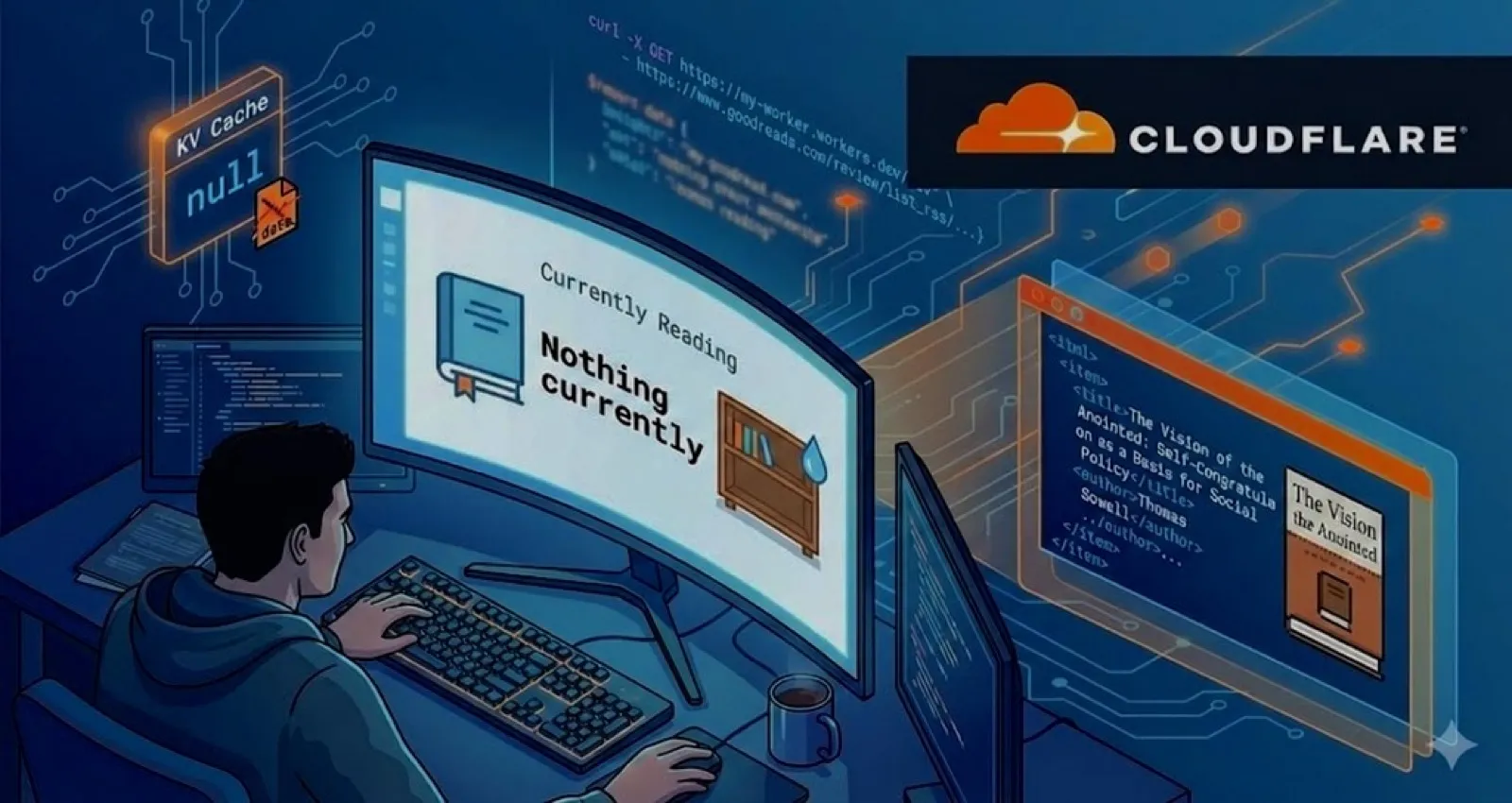
My blog’s homepage has a “Currently Reading” widget powered by a Cloudflare Worker that fetches data from my Goodreads RSS feed. It had been working fine for weeks, but one day I noticed it was showing “Nothing currently”-despite actively reading a book.
A quick curl to the API endpoint confirmed the issue:
curl https://goodreads-api.aarongriffith06.workers.dev
{"current":null}
The worker was responding successfully (HTTP 200), but returning null.
And wasn’t right.
So time to investigate.
Initial Diagnosis
First, I checked the source: the Goodreads RSS feed itself.
curl "https://www.goodreads.com/review/list_rss/184390963?shelf=currently-reading"
The feed returned valid XML with my current book:
<item>
  <title><![CDATA[The Vision of the Anointed: Self-Congratulation as a Basis for Social Policy]]></title>
  <author_name>Thomas Sowell</author_name>
  <book_large_image_url><![CDATA[https://i.gr-assets.com/images/S/...]]></book_large_image_url>
  <link><![CDATA[https://www.goodreads.com/review/show/8135589933...]]></link>
</item>
So the RSS feed was working. The parsing logic hadn’t changed. Yet the worker was returning null.
Checking the Cache
The worker uses Cloudflare KV to cache book data for an hour. If the cache had bad data, it would keep serving it until expiration. I checked what was stored:
wrangler kv key delete books --namespace-id=YOUR_NAMESPACE_ID --remote
After clearing the cache and hitting the endpoint again:
{"current":null}
Still null. Clearing the cache wasn’t enough-the worker was actively fetching and parsing, but still returning null.
Finding the Real Issue
I used wrangler tail to watch the worker logs in real-time:
wrangler tail goodreads-api --format json
The logs showed the request succeeding with a 200 status, but the response time was suspicious: only 5ms with 0ms CPU time. The worker was returning cached data almost instantly, which meant…
Then I checked the deployed worker’s configuration:
wrangler versions view $(wrangler versions list --name goodreads-api | grep "Version ID" | tail -1 | awk '{print $3}') --name goodreads-api
env.GOODREADS_USER_ID ("184390963-aaron-james") Environment Variable
There it was.
The GOODREADS_USER_ID was set to 184390963-aaron-james instead of just 184390963. While Goodreads accepts both formats in the URL (it’s a slug), something about how the worker was handling it caused the fetch or parse to fail silently.
The Fix
I created fresh worker files with the correct configuration:
# wrangler-goodreads.toml
name = "goodreads-api"
main = "goodreads-worker.js"
compatibility_date = "2024-01-01"

kv_namespaces = [
  { binding = "GOODREADS_CACHE", id = "YOUR_NAMESPACE_ID" }
]

[vars]
GOODREADS_USER_ID = "184390963"

[triggers]
crons = ["*/30 * * * *"]
Deployed and cleared the cache:
wrangler deploy --config wrangler-goodreads.toml
wrangler kv key delete books --namespace-id=YOUR_NAMESPACE_ID --remote
Tested again:
{
  "current": {
    "title": "The Vision of the Anointed: Self-Congratulation as a Basis for Social Policy",
    "author": "Thomas Sowell",
    "cover": "https://i.gr-assets.com/images/S/...",
    "link": "https://www.goodreads.com/review/show/8135589933..."
  }
}
Fixed.
Making It More Resilient
While I had the worker open, I realized the original code had a critical flaw: it could cache null results from transient failures. If Goodreads was temporarily down, the worker would cache {"current": null} and serve that stale data for an hour.
I added several defensive improvements:
1. Don’t Treat Null as a Valid Change
function hasBookChanged(newBooks, existingBooks) {
  if (!existingBooks?.current) return true;
  if (!newBooks?.current) return false; // Don't treat null as a "change" - likely an error

  return newBooks.current.title !== existingBooks.current.title ||
         newBooks.current.author !== existingBooks.current.author;
}
This prevents overwriting valid cached data with null when something goes wrong.
2. Return Stale Cache on Fetch Failure
let books;
try {
  const xml = await fetchGoodreadsRSS(userId);
  books = parseGoodreadsRSS(xml);
} catch (fetchError) {
  // If fetch fails but we have cached data, return stale cache
  if (cached?.data) {
    console.log('Fetch failed, returning stale cache:', fetchError.message);
    return new Response(JSON.stringify(cached.data), { headers: CORS_HEADERS });
  }
  throw fetchError;
}
Graceful degradation: if Goodreads is down, serve the last known good data instead of an error.
3. Check Response Status
async function fetchGoodreadsRSS(userId) {
  const rssUrl = `https://www.goodreads.com/review/list_rss/${userId}?shelf=currently-reading`;

  const response = await fetch(rssUrl, {
    headers: {
      'User-Agent': 'Mozilla/5.0 (compatible; GoodreadsWorker/1.0)',
    },
  });

  if (!response.ok) {
    throw new Error(`Goodreads RSS returned ${response.status}`);
  }

  return response.text();
}
The original code didn’t check response.ok-it would happily try to parse an error page as RSS.
4. Skip KV Writes in Scheduled Jobs on Failure
async scheduled(event, env, ctx) {
  // ...
  let xml;
  try {
    xml = await fetchGoodreadsRSS(userId);
  } catch (fetchError) {
    console.error('Scheduled fetch failed:', fetchError.message);
    // Don't update cache on fetch failure - keep existing data
    return;
  }
  // ...
}
If the cron job can’t reach Goodreads, it should silently fail rather than caching garbage.
The Complete Improved Worker
Here’s the full updated code with all improvements:
// Goodreads RSS Feed Worker
// Fetches currently reading books and caches them in KV

const CORS_HEADERS = {
  'Access-Control-Allow-Origin': '*',
  'Access-Control-Allow-Methods': 'GET, OPTIONS',
  'Access-Control-Allow-Headers': 'Content-Type',
  'Content-Type': 'application/json',
};

const CACHE_TTL_MS = 3600000; // 1 hour

function parseGoodreadsRSS(xml) {
  const items = xml.match(/<item>[\s\S]*?<\/item>/g) || [];

  if (items.length === 0) {
    return { current: null, previous: null };
  }

  const books = items.map(item => {
    const getField = (field) => {
      let match = item.match(new RegExp(`<${field}><!\\[CDATA\\[([\\s\\S]*?)\\]\\]><\\/${field}>`));
      if (match) return match[1].trim();

      match = item.match(new RegExp(`<${field}>([^<]*)<\\/${field}>`));
      return match ? match[1].trim() : '';
    };

    return {
      title: getField('title'),
      author: getField('author_name'),
      cover: getField('book_large_image_url'),
      link: getField('link'),
    };
  });

  return {
    current: books[0] || null,
    previous: books[1] || null,
  };
}

function hasBookChanged(newBooks, existingBooks) {
  if (!existingBooks?.current) return true;
  if (!newBooks?.current) return false;

  return newBooks.current.title !== existingBooks.current.title ||
         newBooks.current.author !== existingBooks.current.author;
}

async function fetchGoodreadsRSS(userId) {
  const rssUrl = `https://www.goodreads.com/review/list_rss/${userId}?shelf=currently-reading`;

  const response = await fetch(rssUrl, {
    headers: {
      'User-Agent': 'Mozilla/5.0 (compatible; GoodreadsWorker/1.0)',
    },
  });

  if (!response.ok) {
    throw new Error(`Goodreads RSS returned ${response.status}`);
  }

  return response.text();
}

export default {
  async fetch(request, env) {
    if (request.method === 'OPTIONS') {
      return new Response(null, { headers: CORS_HEADERS });
    }

    try {
      const cached = await env.GOODREADS_CACHE.get('books', 'json');
      const cacheValid = cached?.timestamp && (Date.now() - cached.timestamp < CACHE_TTL_MS);

      if (cacheValid) {
        return new Response(JSON.stringify(cached.data), { headers: CORS_HEADERS });
      }

      const userId = env.GOODREADS_USER_ID;

      let books;
      try {
        const xml = await fetchGoodreadsRSS(userId);
        books = parseGoodreadsRSS(xml);
      } catch (fetchError) {
        if (cached?.data) {
          console.log('Fetch failed, returning stale cache:', fetchError.message);
          return new Response(JSON.stringify(cached.data), { headers: CORS_HEADERS });
        }
        throw fetchError;
      }

      const existingBooks = cached?.data || null;
      const bookChanged = hasBookChanged(books, existingBooks);

      if (bookChanged) {
        await env.GOODREADS_CACHE.put('books', JSON.stringify({
          data: books,
          timestamp: Date.now(),
        }));
        console.log('Cache updated - book changed');
      }

      return new Response(JSON.stringify(books), { headers: CORS_HEADERS });

    } catch (error) {
      console.error('Error:', error.message);
      return new Response(
        JSON.stringify({ error: 'Failed to fetch Goodreads data', message: error.message }),
        { status: 500, headers: CORS_HEADERS }
      );
    }
  },

  async scheduled(event, env, ctx) {
    try {
      const existingCache = await env.GOODREADS_CACHE.get('books', 'json');
      const existingBooks = existingCache?.data || null;

      let xml;
      try {
        xml = await fetchGoodreadsRSS(env.GOODREADS_USER_ID);
      } catch (fetchError) {
        console.error('Scheduled fetch failed:', fetchError.message);
        return;
      }

      const books = parseGoodreadsRSS(xml);
      const bookChanged = hasBookChanged(books, existingBooks);

      if (!bookChanged && existingBooks) {
        console.log('Scheduled: Book unchanged, skipping write');
        return;
      }

      await env.GOODREADS_CACHE.put('books', JSON.stringify({
        data: books,
        timestamp: Date.now(),
      }));

      console.log('Scheduled: Cache updated');
    } catch (error) {
      console.error('Scheduled handler failed:', error);
    }
  },
};
Lessons Learned
1. Silent failures are the worst. The worker returned HTTP 200 with valid JSON-it just happened to contain null. Without proper error handling and logging, this looked like “working” even though it wasn’t.
2. Check response status before parsing. A fetch that returns a 500 error page isn’t going to parse as valid RSS. Always verify response.ok before processing the body.
3. Don’t cache errors. If something goes wrong during data fetch, preserve the last known good state rather than caching garbage. Stale data is better than no data.
4. Environment variables ALWAYS matter. A small difference in the user ID format (184390963 vs 184390963-aaron-james) caused the entire integration to fail. Double-check your configuration values.
5. Have a cache-clearing command ready. When debugging caching issues, the first step is often to clear the cache and observe the fresh behavior:
wrangler kv key delete books --namespace-id=YOUR_NAMESPACE_ID --remote
The improved worker has been deployed and is now running on my blog. The next time Goodreads has an issue, my readers will still see my last book instead of “Nothing currently.”
Helpful Wrangler Commands
# Deploy the worker
wrangler deploy --config wrangler-goodreads.toml

# Clear the KV cache
wrangler kv key delete books --namespace-id=YOUR_NAMESPACE_ID --remote

# Watch logs in real-time
wrangler tail goodreads-api --format pretty

# Test the endpoint
curl https://goodreads-api.YOUR_SUBDOMAIN.workers.dev
Finally, the updated code is available in my cloudflare-workers-blog-integrations repository.