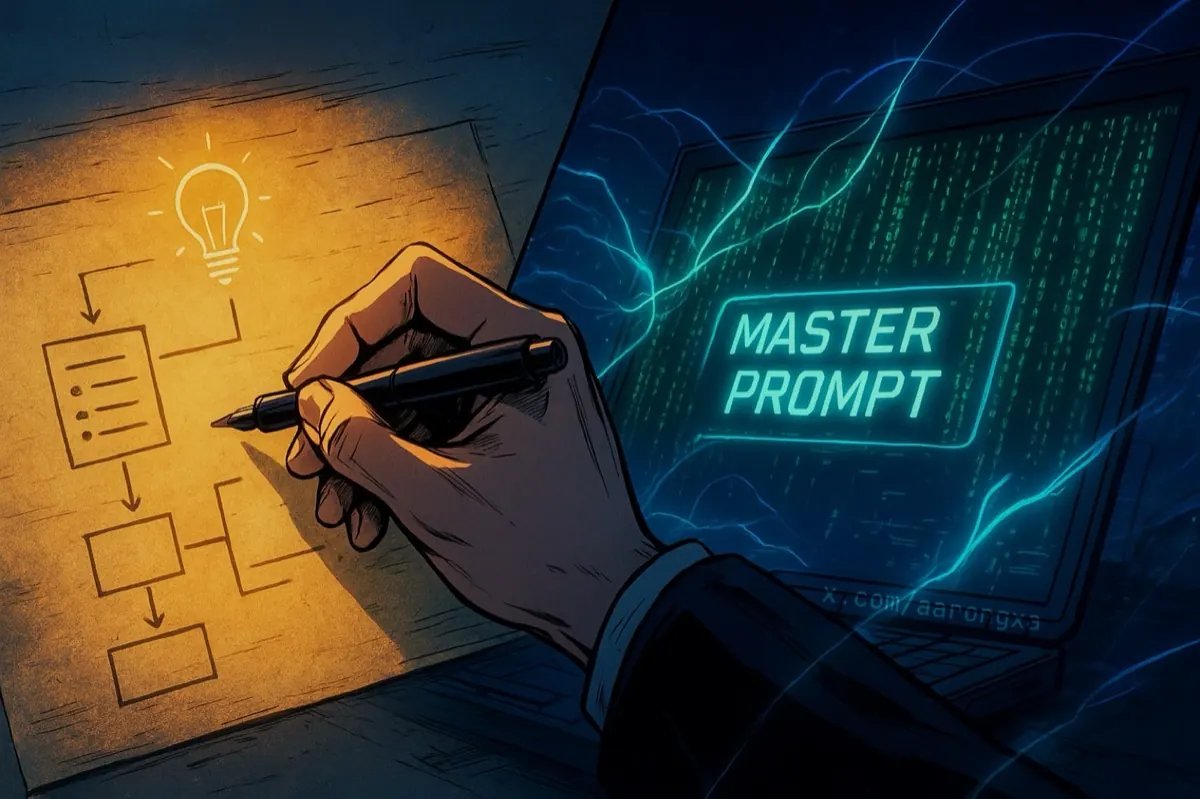
With deep roots in SaaS and leadership experience spanning Aerospace/Defense, Education, and Retail, I currently lead Site Reliability Engineers, Database Administrators, and Full Stack Developers. In this role, I need to stay technical enough to support my teams without getting stuck in the weeds.
The principles below have evolved over the years, but the goal remains the same: maintain technical depth without becoming a blocker on critical projects. This guide looked significantly different before LLMs, but leveraging AI has refined the list entirely.
{highlight}I’m significantly faster when leveraging LLMs.{/highlight}
Here is the version I’m currently working with in 2025 going into 2026.
1. The Idea (Analog Mode)
I have an idea, and it is written on paper, and fleshed out entirely. Sometimes that paper is scrap paper, and other times it’s my journal (I love journaling). I then peer review it by sharing the idea with a colleague, friend, or my wife. The last part is sometimes optional, but the paper part is not.
2. Planning and Design Document
In this step, I lay out everything I expect the project to have. If this is a simple shell script, I explain the functions and the output. If this is a website for a company or a project, I spec out the frameworks, color schemes, branding, name, and so on. Logos and everything eventually will be added and tweaked, but I get it as close to 100% as possible.
3. Building and Refining the AI Prompt
I start to build the “Master Prompt” using AI. I’ll inject my planning document into various LLMs like Grok, Gemini, ChatGPT and iterate until I’m happy. The goal is to capture everything I expect Cursor to build, take into consideration, and get right the first time. The goal here is to “one shot” but I know regardless manual adjustments will always happen. Either way, this step gets better with each project as I’m adding prompts that have been refined and worked in the past.
4. Executing the AI Prompt aka “The AI Plan”
I drop the prompt into Cursor and run it in “Plan Mode.”
5. Software Development
This is where AI and Cursor have been a force multiplier. Cursor, in my case, will develop based on the plan and achieve the vast majority of what it is I’m building. Cursor now takes minutes (at most) to build an MVP where depending on the task would sometimes take me hours to days or even a few weeks. This step alone has drastically changed my output and the rest of the steps perfect it.
6. Refinement
I take the results from Cursor and perform manual validation, QA, and testing. In this phase, I’ll jot down notes, things that need to change, update or remove comments (thankfully I tell Cursor to refrain from emojis), and at this step, I also think about usability outside of me.
7. Refinement Fixes and Iteration
Collaborating with AI (Cursor, Grok and other LLMs), this is where I’ll execute on my notes from the refinement stage. Things like output, logging, monitoring, color adjustment, implementing automated testing, and layout fixes happen here. I consider this step when I’ve built something beyond “minimum viable product.” Future updates beyond this point will have a narrower scope, but far more depth.
8. Retrospective
In my opinion, this is one of the most important steps. Even with simple tasks or projects like a bash script, I try to capture what I can improve upon.
Is it the prompt?
Or The LLM?
What are the latest best practices? Am I on the best (stable) version of React? Did the shell script account for failures or misuse?
I never view this as time wasted. {underline_animate}I’m simply paying it forward to my future self.{/underline_animate} It’s less thinking for the next project.
This stack works for me in late 2025, but the tools change weekly. How are you integrating AI into your workflows without losing the ‘human’ oversight?
Let me know on X at https://x.com/aarongxa